
Bibata Original Rose Pine Cursor

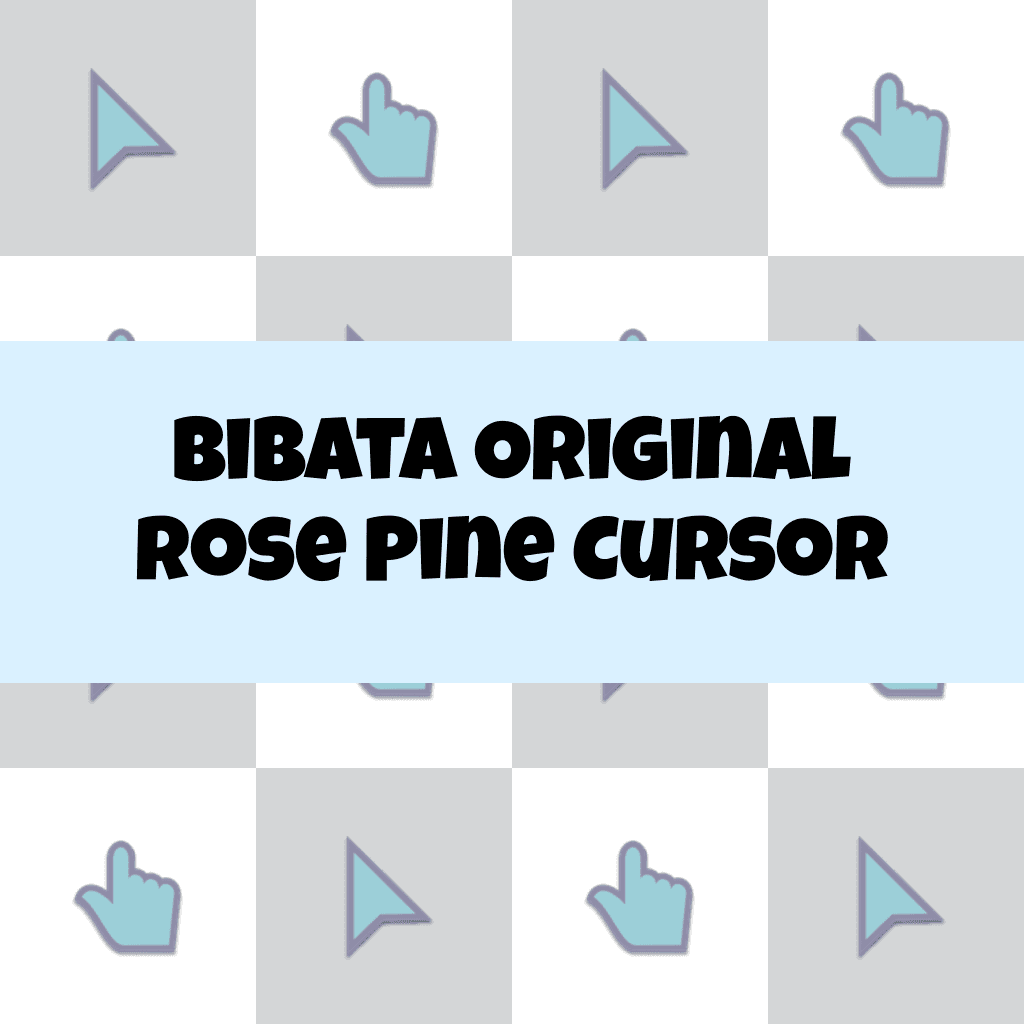
Cursors in the pack
Description
Introducing the Bibata Original Rose Pine Cursor, a perfect blend of elegance and functionality. This exquisite cursor features a stylish rose pine design that will instantly enhance your digital experience. With its smooth and precise performance, you'll navigate your screen with ease and efficiency. Say goodbye to dull cursors and add a touch of sophistication to your computer interface.
Upgrade to the Bibata Original Rose Pine Cursor and let your unique style shine through.
What's included in the package
- Default Cursor
- Pointer (Hand)
How to install a custom cursor pack Bibata Original Rose Pine Cursor
Install the Cursor Space extension for Chrome or Cursor Space for Edge in your browser.
On this page, click "Add this cursor pack to the extension".
Open the extension and go to the Packs tab.
Find the custom cursor pack "Bibata Original Rose Pine Cursor" and click it.
Enjoy!
Ready to install?
Get this cursor pack and thousands of others by installing our extension. It's fast and free!
About this cursor pack
Bibata Original Rose Pine Cursor is a themed cursor pack you can add to your browser to personalize your pointer across common cursor states (default and pointer). Use it for everyday browsing, streaming, studying, or gaming-anywhere you want your cursor to match your vibe.
Instant preview
See how the cursors look before installing.
Easy install
Add the pack to the extension in a few clicks.
Works in your browser
Designed for Chrome and Edge via the extension.
FAQ
Quick answers to common questions about cursor packs, collections, and installation.
Do I need an extension?
Which browsers are supported?
How do I switch back to the default cursor?
Popular cursors today
Custom cursor and packs - neon, anime, pixel art. Quickly add to Chrome and Microsoft Edge for free
- TOP 1
Lava Texture cursor
(311)FreeIgnite your browsing with the Lava custom cursor for Google Chrome, inspired by volcanic magma. Experience intense energy right on your screen.
- TOP 2
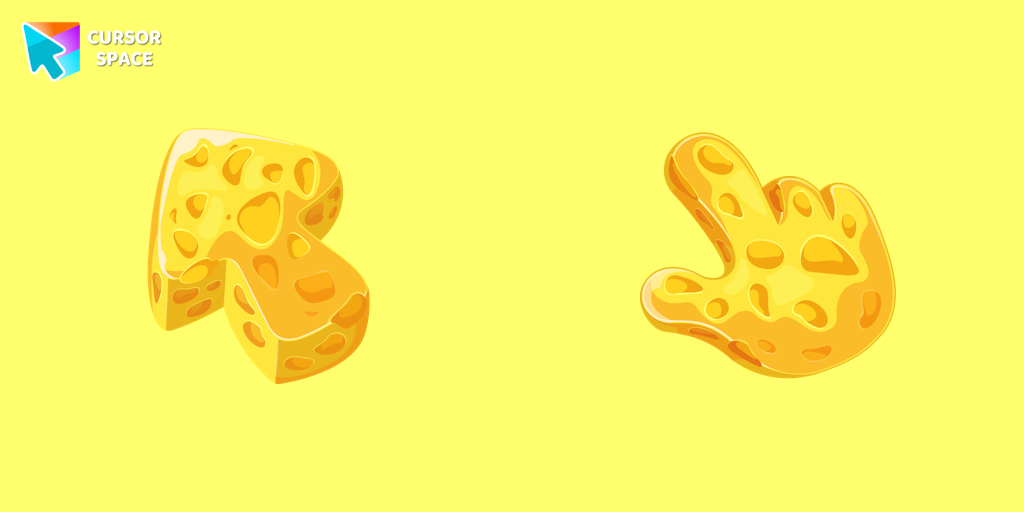
Cheese Texture cursor
(746)FreeThis cheese-themed custom cursor is a delightful addition to our Textures custom cursors collection specifically designed for Chrome users.
- TOP 3

Walt Disney cursor
(21)FreeExperience the magic of Disney with this custom cursor for Google Chrome. Celebrate iconic characters that bring joy and enchantment to your browsing.

Funny Pineapple cursor
(20)FreeSweet pineapple mouse cursor and pointer are created for the cutest custom cursor collection for Chrome.

Christmas Rick and Morty cursor
(23)FreeRick and Morty is a science fiction comedy series from the United States. Merry Christmas and Happy New Year!
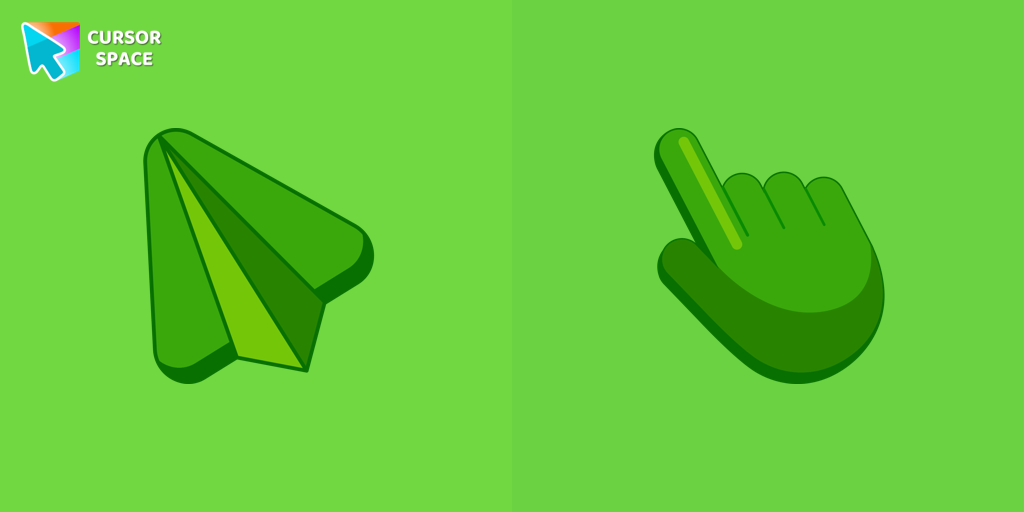
Flying Green cursor
(21)FreeUpgrade your browsing with the Flying Green custom cursor, featuring a sleek design and smooth flying animation for added elegance and excitement.

Contemporary cursor
(23)FreeEnhance your desktop with our Contemporary Cursor Pack, showcasing modern custom cursor designs. Personalize your experience with a sleek and unique style.
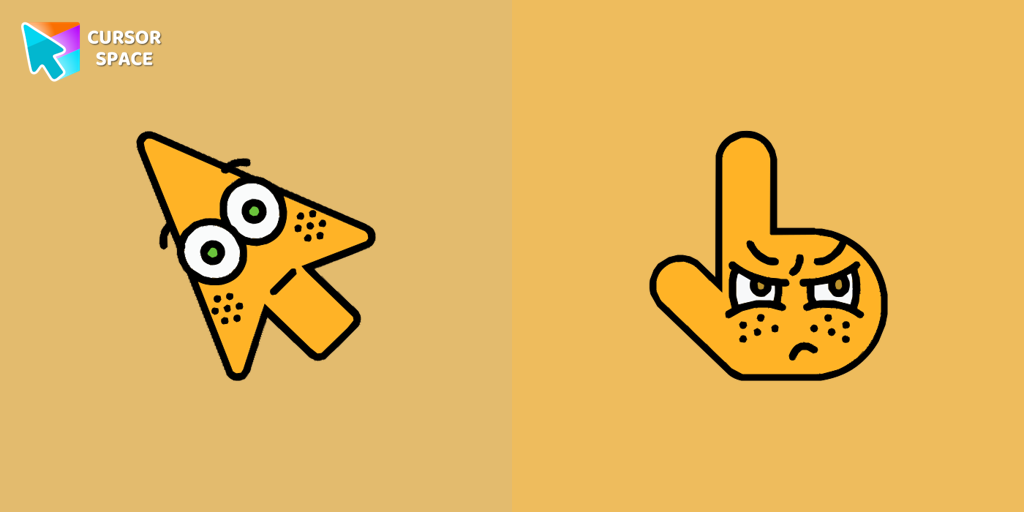
Surprised cursor
(22)FreeThe Surprised Cursor is a fun custom cursor for Google Chrome that adds a quirky touch to your browsing. Enjoy an animated surprised face for a unique experience.
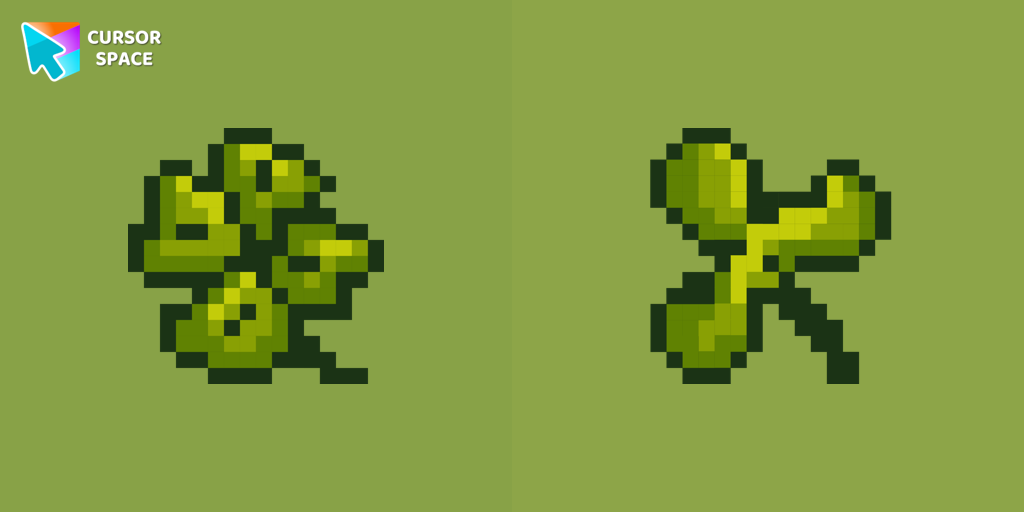
Сlover Pixel cursor
(58)FreeIt doesn't take much time to learn our wonderful Pixel Clover, as it is unique in its kind and is available as a custom cursor for mouse and pointer.
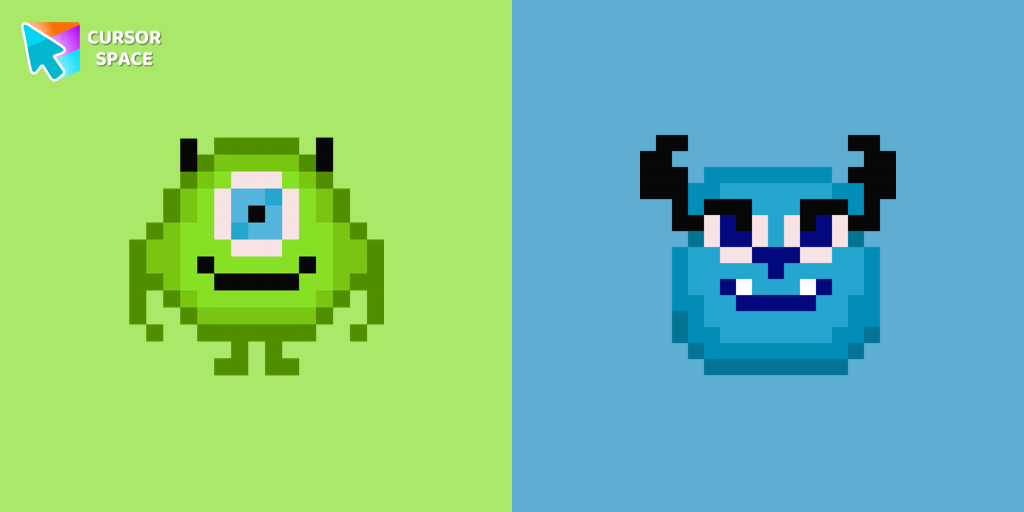
Monsters Pixel cursor
(136)FreeCute custom cursor with Monsters, Inc includes a mouse cursor in the form of Mike Wazowski and a hover pointer with James P. Sullivan.
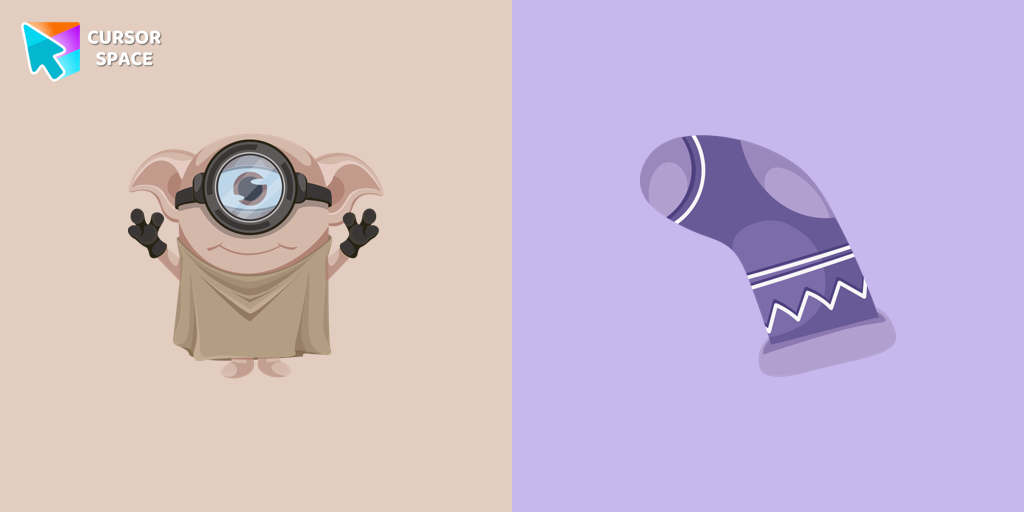
Minion Dobby Character cursor
(23)FreeCute Minion Dobby the house-elf cursor and pointer in our magic custom cursors collection with Minions.
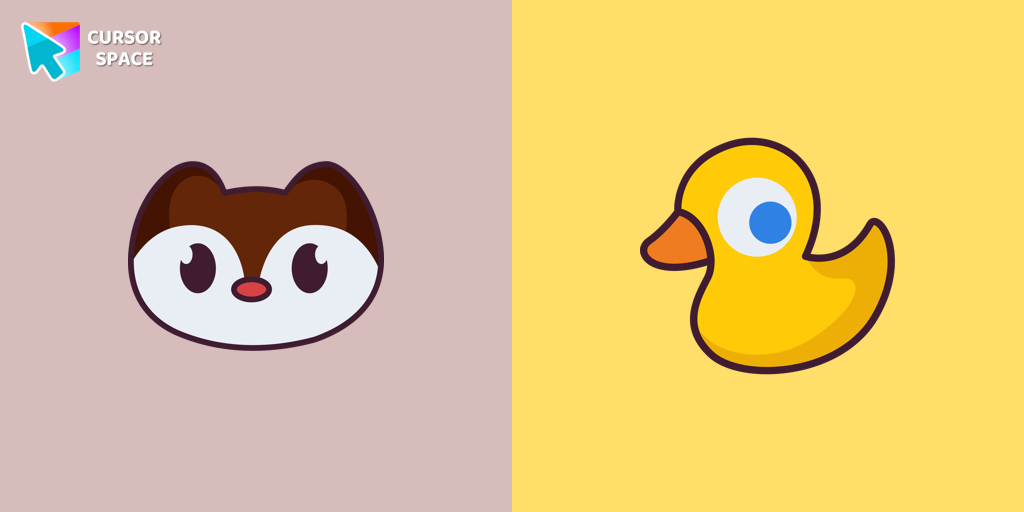
Landry cursor
(63)FreeLandry pointer for mouse and a funny rubber duck cursor in our custom cursor collection for mouse and pointer in Hello Kitty design.
Collection hits
Installation leaders from "Bibata Cursor Collection": free packs, neon/anime/pixel art, quick add to Chrome and Edge.
- TOP 1

Bibata Modern Classic Cursor
(440)FreeEnhance your desktop with Bibata Modern Classic Cursor - a stylish custom cursor that combines elegant design with classic comfort for everyday use.
- TOP 2

Bibata Modern Ice Cursor
(193)FreeEnhance your desktop with Bibata Modern Ice Cursor, a stylish and elegant custom cursor inspired by ice, perfect for a memorable user experience.
- TOP 3

Bibata Original Classic Cursor
(180)FreeEnhance your desktop experience with the Custom Bibata Original Classic Cursor, a stylish and modern option for both work and leisure.

Bibata Spirit Cursor
(150)FreeEnhance your digital experience with the elegant Bibata Spirit custom cursor, offering sleek design, smooth navigation, and improved visibility

Bibata Original Ice Cursor
(150)FreeRefresh your desktop experience with Bibata Original Ice, a stylish custom cursor featuring transparent shades and a unique ice effect for everyday use.

Bibata Ghost Cursor
(149)FreeElevate your digital experience with the Bibata Ghost custom cursor—sleek, translucent, and minimalist, offering smooth navigation and a sophisticated style.

Bibata Original Amber Cursor
(117)FreeEnhance your workspace aesthetics and efficiency with Bibata Original Amber Cursor, a custom cursor offering refined design and excellent visibility.

Bibata Tinted Cursor
(104)FreeEnhance visibility and productivity with the Bibata Tinted custom cursor - stylish, nimble, and vibrant for a personalized browsing experience.

Bibata Modern Amber Cursor
(97)FreeUpgrade your desktop with the Bibata Modern Amber custom cursor—stylish, sleek, and functional, offering enhanced visibility and a unique amber touch.
Bibata Modern Amber
(54)FreeThe Bibata Modern Amber Cursor is a stylish design with a sleek amber hue, ideal for enhancing any computer interface.
Install Cursor Space - A Collection of Custom Cursors for Chrome & Edge
Add packs instantly and unlock access to thousands of cursors: neon, anime, pixel-art, and more. Fast, safe, and free.
- Free cursor packs
- HD/HiDPI & animated icons
- Quick browser installation
Cursor Space is an extension for changing your mouse cursor in Chrome and Edge browsers: themed collections, HiDPI icons, neon, animated, and pixel cursors, with quick installation.